How to Redeem Run a Police Station Codes
Exact capitalization, one code at a time, and fixes when a promo string fails.
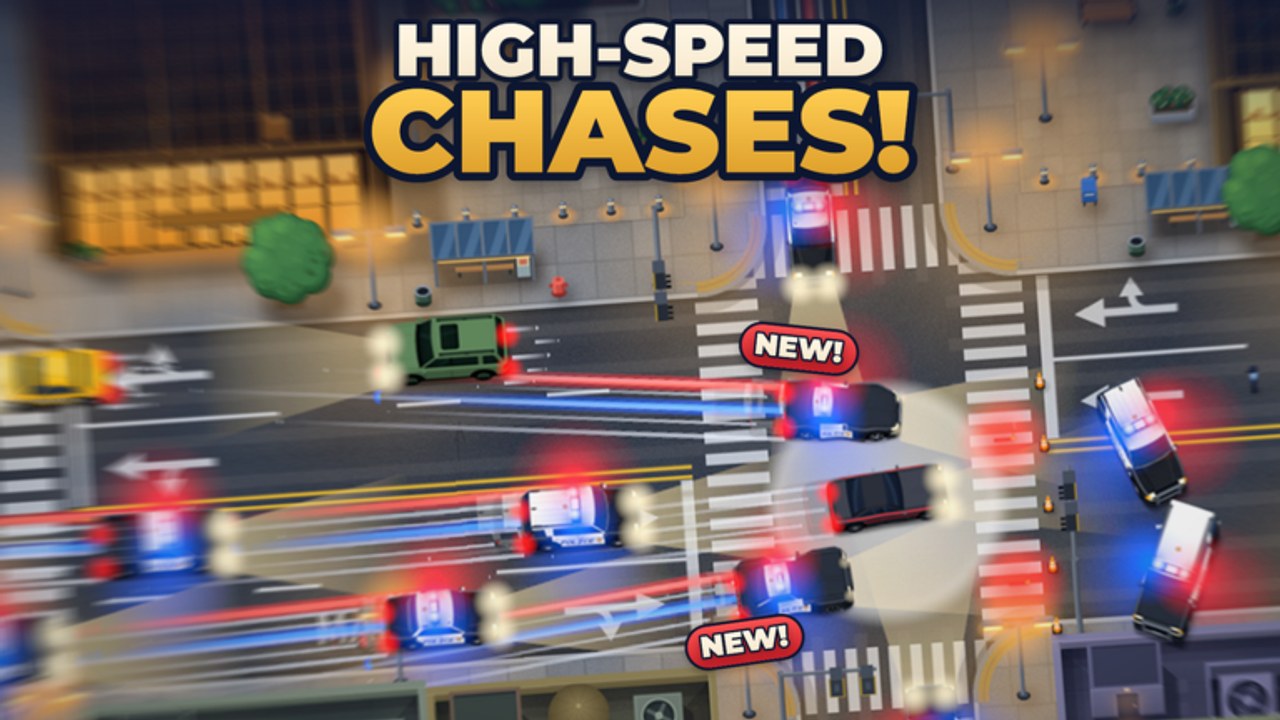
Redeeming promo codes in Run a Police Station takes less than a minute once you know where the entry field lives. The game is a Roblox Simulation/Tycoon by Cute Puppies Studio: you expand a headquarters through six station tiers, hire and train officers, collect police vehicles, and answer dispatch calls. Free rewards from codes speed that loop, but only if the string is entered correctly. This guide walks through the redeem flow, explains why codes fail, and points to trusted announcement spots so you are not guessing after every patch.
Keep the live list open on the Codes Hub while you redeem. New chiefs should finish a short onboarding pass from Getting Started first so rewards land on an account that already understands dispatch and hiring basics. Patch-tied strings such as UPDATE3 are covered in context on November 2026 and the Updates Hub.
Before you start
- Use the official place — Run a Police Station on Roblox (place linked from this wiki’s site metadata). Fan copies and lookalike titles will not accept the same codes.
- Sign into the Roblox account you actually play on. Codes are almost always one redeem per account.
- Have the Codes Hub table ready so you can copy strings instead of typing from memory.
- Prefer a stable connection. Mid-redeem disconnects can make it unclear whether a code was consumed.
Optional but useful: redeem at the start of a session, before a long co-op shift on a 12-player server, so any cash or boosts apply while you run calls.
Step-by-step redeem
- Launch the game from Roblox and wait until your station UI fully loads. If the experience shows a short tutorial on a brand-new account, finish or skip it so HUD buttons are available.
- Find the codes or promo control. Look for a Codes button, a shop or rewards panel with a text field, or a settings-adjacent promo entry. Button art can move after updates, so scan the left and top HUD edges if the layout changed.
- Open the text field dedicated to promo codes. Do not paste into chat, a name tag, or a search box.
- Paste one code from the active table — for example PURSUIT, CHASE15K, CAREERXP, ELITE60, or K9UNIT. Match uppercase and digits exactly.
- Submit with the on-screen Redeem, Enter, or Confirm control.
- Verify the result. Check cash, inventory, or any boost indicator. Only then paste the next code.
- Repeat until every active string on the Codes Hub is claimed or clearly rejected as already used / expired.
If the UI offers a clear success toast, trust that first. If nothing appears, leave the menu, complete one dispatch call, then reopen inventory and currency so delayed grants can settle.
Case sensitivity and copy hygiene
Most Roblox tycoon codes are case-sensitive. PURSUIT is not the same as pursuit. Digits matter too: CHASE15K is not CHASEISK, and 100KVISITS is not 100kvisits unless the developer explicitly published a lowercase variant (they have not for this list).
Copy-paste rules that prevent false failures:
- Copy from the wiki table or the official description, never from a screenshot OCR pass.
- Strip leading or trailing spaces after paste.
- Do not add punctuation, emoji, or server chat prefixes.
- Enter one code per attempt. Bundling two strings in one field always fails.
When a code includes a number theme (10KVISITS, 100LIKES, 500LIKES, 1000FAVS, 100CCU, 100KVISITS, 5KGROUP, 1000ACTIVE), double-check zeros versus the letter O before you assume the code expired.
Troubleshooting failed codes
| Symptom | Likely cause | What to try |
|---|---|---|
| Instant invalid / wrong code | Typo, wrong case, or extra space | Re-copy from Codes; paste again |
| Already redeemed | Same account used the string before | Skip it; codes are usually once per account |
| Expired | Developer retired the string | Check Updates and remove it from your personal list |
| Nothing happens | Wrong UI field or lag | Confirm you are in the promo box; rejoin server; retry once |
| Works for a friend, not you | Different account or already claimed | Switch accounts only if you own them; never share passwords |
Still stuck after an exact paste? Wait for the next patch notes. Cute Puppies Studio may rotate milestone codes after visit or like goals. Do not spam the redeem button dozens of times — that will not revive an expired string and can make it harder to notice a success toast.
Where codes are announced
Trusted places to watch, in order of usefulness for this game:
- Official Roblox place description — As of November 2026 it publicly lists 500LIKES, 100KVISITS, UPDATE3, 5KGROUP, 1000ACTIVE, MOSTWANTED, and K9UNIT.
- In-game / update messaging after content passes such as UPDATE3.
- This wiki’s Codes Hub and November 2026 notes, which consolidate community-verified strings (PURSUIT, CHASE15K, CAREERXP, ELITE60, 100LIKES, 10KVISITS, 1000FAVS, 150LIKES, 100CCU, and the official set above).
Ignore random social posts that demand you download an executor “to unlock codes,” join unrelated Discord servers for “private generators,” or trade account logins. Codes for Run a Police Station are plain text strings. If someone needs your password, it is a scam.
After you redeem: spend with intent
Free rewards matter more when they buy something that shortens the next hour of play:
- Fund an officer hire if calls are queuing.
- Upgrade from a basic patrol car toward SUVs or tactical options when response time hurts.
- Bank toward the next of the six station tiers instead of impulse cosmetics.
- Coordinate with co-op partners so the shared shift covers robberies, accidents, and emergencies without empty desks.
For broader progression advice, return to Getting Started and the Guides Hub. For whether a new string belongs to a milestone wave or a themed drop like K9UNIT, read November 2026.
Safety reminders
- Never share your Roblox password or account age PIN to “verify” a code.
- Never run an executor because a site claimed codes are “locked behind scripts.” See the honest stance on the Scripts Hub.
- Prefer HTTPS pages and the official Roblox experience client.
- If a site lists rewards with fake precision that contradicts Free Rewards / unspecified labels, treat the detail as unverified.
Related pages
- Codes Hub — full active table for November 2026
- Updates Hub — patch cadence and drop history
- November 2026 — UPDATE3 and K9UNIT context
- Getting Started — first-hour station plan
- Scripts Hub — why we do not push risky executors
Redeem carefully, verify each grant, then get back on dispatch. Codes are the bonus; building the precinct is the game.
Frequently Asked Questions
Quick answers for chiefs building a stronger precinct.
Where is the codes button in Run a Police Station?
Look for a Codes, Shop, or Rewards control on the HUD after the station loads. Layout can shift after patches, so check the side and top menus if the button moved.
Are codes case-sensitive?
Yes in almost all cases. Paste exact strings such as PURSUIT or 100KVISITS with the same capitalization and digits shown on the Codes Hub.
Why does a code say it is invalid?
Common causes are typos, extra spaces, wrong UI field, already redeemed on that account, or true expiry after a milestone window.
Can I redeem the same code twice?
Usually no. Promo codes are limited to one successful redeem per Roblox account.
Where should I look for brand-new codes?
Start with the official Roblox game description, then this wiki’s Codes Hub and Updates pages after major patches like UPDATE3.