Run a Police Station Hire and Train Officers
Build a skilled roster that actually clears robberies, accidents, and emergencies.
Officers are the human (and occasionally very good dog-adjacent) half of Run a Police Station. Cute Puppies Studio’s Roblox simulation and tycoon loop asks you to hire and train officers with unique skills, then send them into dispatch while the headquarters climbs six tiers. This guide covers hiring, training, assigning roles, ranking toward Captain, pairing with vehicles, and fielding a K-9 unit for tracking work and the Good Dog badge fantasy—without inventing hidden stat tables.
Pair this page with Dispatch Calls and Vehicles and Fleet. Staff without cars idle; cars without staff decorate the lot.
Hiring fundamentals
Open the hiring UI as soon as Getting Started says your menus are clear. Early hires should emphasize reliability and coverage:
- Fill a small core before hunting novelty units.
- Prefer officers whose skill text suggests broad usefulness on mixed call boards.
- Stop hiring when you cannot train or motorize the next body; headcount vanity is still vanity.
- Recheck soft caps after each station tier upgrade—new capacity often appears with HQ growth.
If promo rewards drop officer-related gifts, redeem them from Codes and fold them into the same training plan instead of letting them sit unassigned.
Training skills that matter
Unique skills only matter if you train and use them. Qualitative training rules:
- Train the officers you actually dispatch first.
- Spread a little training across the roster so one injury or busy timer does not collapse the desk.
- Specialize after the generalist core works—push skills that match robberies, accidents, or dangerous emergencies you see most.
- Revisit training after patches listed on Updates; balance swings can reshuffle which skills feel crisp.
Do not assume a max-trained specialist automatically wins every call. Matching still matters. A heavily trained officer in the wrong vehicle for a dangerous emergency can still fail, which is why the money guide treats training as high ROI only when it raises successful completions per hour.
Assigning roles
Roles are how you turn a roster into a system. A practical early template:
- Patrol generalists — handle accidents and standard volume.
- Crime responders — bias toward robberies, bank heists, and active scenes.
- Emergency / SWAT package — best-trained officers reserved for SWAT calls and dangerous emergencies.
- Detective seat — investigation-leaning officers for detective cases and longer mission chains (Missions and Divisions).
- K-9 tracker — dog unit for pursuits, Most Wanted hunts, and tracking utility when the board needs a nose, not just sirens.
- Flex seat — one officer kept ready for surprises so the board never goes fully dark.
- Captain — promote into the Captain rank when the roster is stable; Captain on Deck style leadership helps SWAT packages and multi-unit scenes stay organized.
On multiplayer servers (up to twelve players), announce role ownership so two chiefs do not reassign the same unit mid-call. If your group enjoys division play, align roles to unlocked divisions once Station Tiers and mission progress make those paths available.
For ranked opinions on role utility in a young meta, skim the community Officers tier list. It is explicitly not an official ranking—just directional guidance while the game is still early.
Captain rank and Captain on Deck
Badge and career goals confirm a Captain officer rank. Treat Captain as a leadership seat, not a day-one hire checkbox. Practical path:
- Train a reliable emergency or crime responder until they clear hard calls consistently.
- Promote or unlock toward Captain when the UI offers the rank and your payroll can spare a command body.
- Use Captain on Deck style assignment to anchor SWAT calls, multi-car Hot Pursuit backups, and division briefs so chat callouts stay clear.
A Captain without trained backup is just a fancy title. Keep generalists and specialists fed first, then crown the lead. Rank utility also appears on the Officers tier list and Players hub.
K-9 unit and Good Dog
Cute Puppies Studio branding and badge goals make a K-9 unit more than cosmetics. Field a dog team when you want tracking utility on Hot Pursuit chases, Most Wanted villain hunts, and scenes where presence matters. The Good Dog badge fantasy rewards putting that unit to work—not parking it as station decor.
Practical rules:
- Unlock or hire the K-9 after a human patrol core already prints money.
- Assign tracking jobs and pursuits before soft accident spam.
- Pair the handler with a fast car or SUV so the dog arrives before the trail goes cold.
- Do not delay First Collar or basic SWAT readiness waiting on a perfect dog loadout.
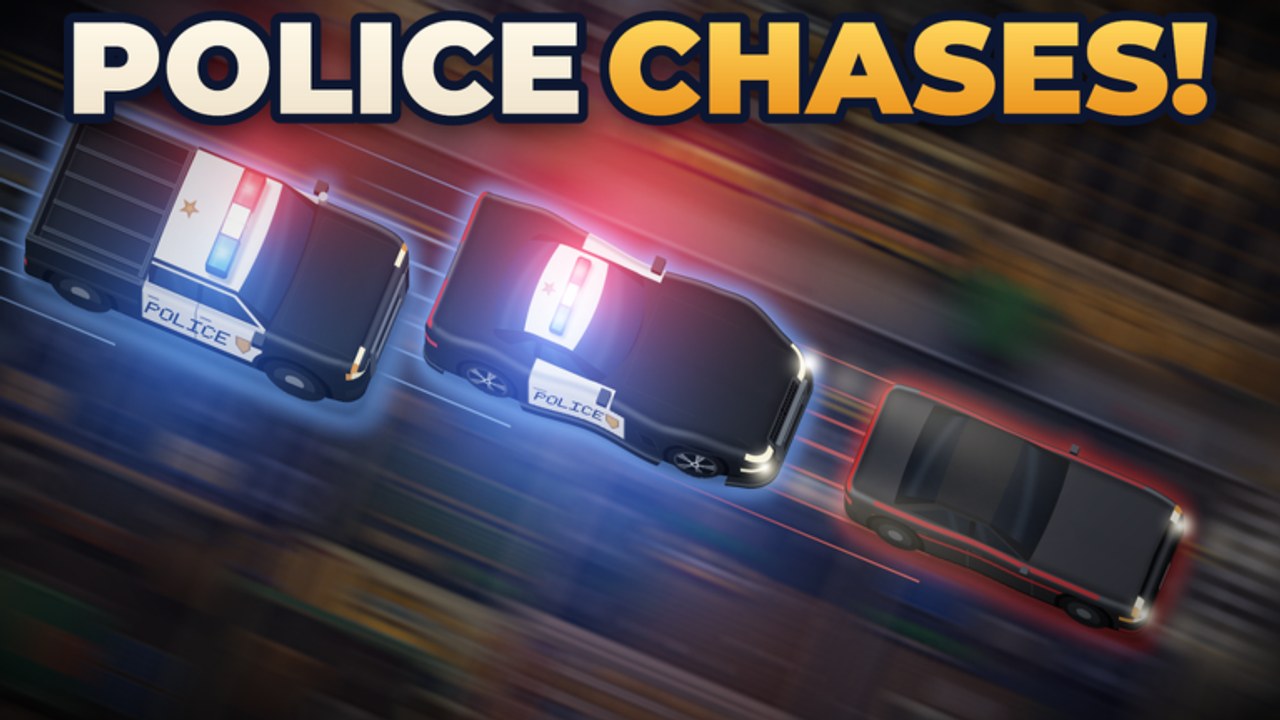
Theme codes such as K9UNIT can sponsor the fantasy; spend the gifts on training and a matching ride. Full chase pairing notes live on Chases and Heists; badge tracking sits on Badges.
The Players hub is the right place for roster-style pages as the cast expands; this guide stays focused on the hire–train–assign loop every chief repeats each session.
Pairing officers with vehicles
Matching people to machines prevents expensive comedy:
- Generalists in police cars cover ordinary volume efficiently.
- Mid-threat responders pair well with SUVs when you want flexible presence.
- Group or heavier scenes often suit tactical vans.
- Dangerous emergencies and high-threat robberies justify armored vehicles—but only when the officer driving them is trained enough to matter.
Upgrade timing for each class lives in the fleet guide; community vehicle rankings live on the Vehicles tier list. Remember both tier lists are community-oriented snapshots for a young Roblox game.
Session checklist for chiefs
- Hire only what you can train and deploy.
- Queue training on your most-used officers.
- Assign clear roles and a flex seat.
- Pair each ready officer with an appropriate vehicle class.
- Run a short dispatch streak to validate the setup.
- Spend profits on the next training tier, HQ capacity, or the vehicle class you just proved you need—see How to Earn Money.
Common mistakes
- Hiring a crowd, training nobody.
- Sending rookies alone into dangerous emergencies.
- Parking your best officer in an undersized car forever because upgrades feel scary.
- Chasing every specialty hire before the generalist core exists.
- Rushing Captain rank or a K-9 unit before SWAT and chase basics work.
- Ignoring multiplayer callouts and double-booking the same officer.
Related reading
Return to the Guides Hub for the index. Money and dispatch pages explain why training is usually better ROI than random garage chrome. When HQ space blocks more hires, push tiers. When roles feel weak compared with friends’ stations, compare notes with the officers tier list—then verify in a live session before rebuilding the entire roster.
A trained team makes every other system in Run a Police Station cheaper. Hire with intent, train on a schedule, assign roles out loud, promote a Captain when the desk is ready, and let the K-9 Good Dog win be the victory lap after the city is already safer.
Frequently Asked Questions
Quick answers for chiefs building a stronger precinct.
How many officers should I hire first?
Hire a small core you can train and motorize immediately. Extra untrained bodies drain focus without raising successful call completions.
What should I train first?
Train the officers you dispatch most. Specialize toward robberies, accidents, or dangerous emergencies only after a reliable generalist core exists.
Are K-9 units required, and what is Good Dog?
No. Field a K-9 for tracking, Hot Pursuit, and Most Wanted utility once the human core is solvent. Good Dog rewards putting that unit to work, not skipping basic training.
Where can I see role rankings?
Use the Officers tier list under the Tier List Hub. It is community-oriented guidance for a young game, not an official Cute Puppies Studio ranking.
When should I rank an officer to Captain?
After a stable generalist and emergency core exists. Use Captain on Deck leadership for SWAT packages and multi-unit scenes, not as your first hire.