Run a Police Station Guides Hub
Every walkthrough for growing your Roblox police HQ from first join to late tiers.
Welcome to the Guides Hub for Run a Police Station, the Roblox simulation and tycoon experience from Cute Puppies Studio. This hub is the map for every how-to on the wiki: first-session loops, station expansion, dispatch response, officer hiring and training, vehicle fleets, and sustainable income. Use it when you need a clear next step instead of guessing which upgrade comes first.
Servers support online multiplayer with up to twelve players. Your job is to grow headquarters through six station tiers, hire and train officers with distinct skills, collect and upgrade patrol cars, SUVs, tactical vans, and armored vehicles, then answer dispatch calls that range from robberies and accidents to dangerous emergencies. Divisions and missions unlock as the station matures, so early discipline compounds into faster mid-game growth.
Where to start
If you just joined, open the Getting Started guide first. It covers the day-one loop: claim promo codes, hire your first officers, answer early calls, and set realistic tier goals before you overspend on flashy vehicles. After that first hour, move into Station Tiers so you understand what each HQ expansion unlocks and how to pace building upgrades against fleet purchases.
Dispatch is the heartbeat of income and reputation. The Dispatch Calls guide explains call types, response priority, and how officers plus vehicles change outcomes. Pair that with How to Earn Money when you want a full view of income loops—calls, missions, codes, and upgrade return on investment—without inventing fake price tags the game has not published in a stable public sheet.
Officers and fleet
People and vehicles are the two levers you pull every session. Hire and Train Officers walks through hiring, skill training, role assignment, and the K9-flavored fantasy that fits a Cute Puppies Studio police tycoon. Vehicles and Fleet covers cars, SUVs, tactical vans, and armored units: when each class shines, what to upgrade first, and how to avoid parking a premium garage while your HQ still lacks capacity.
When you want ranked opinions instead of pure how-to, jump to the Tier List Hub. Community-oriented rankings for vehicles and officers sit there, clearly marked as early-meta guidance for a young game—not official Cute Puppies Studio rankings.
Badges, missions, chases, and heists
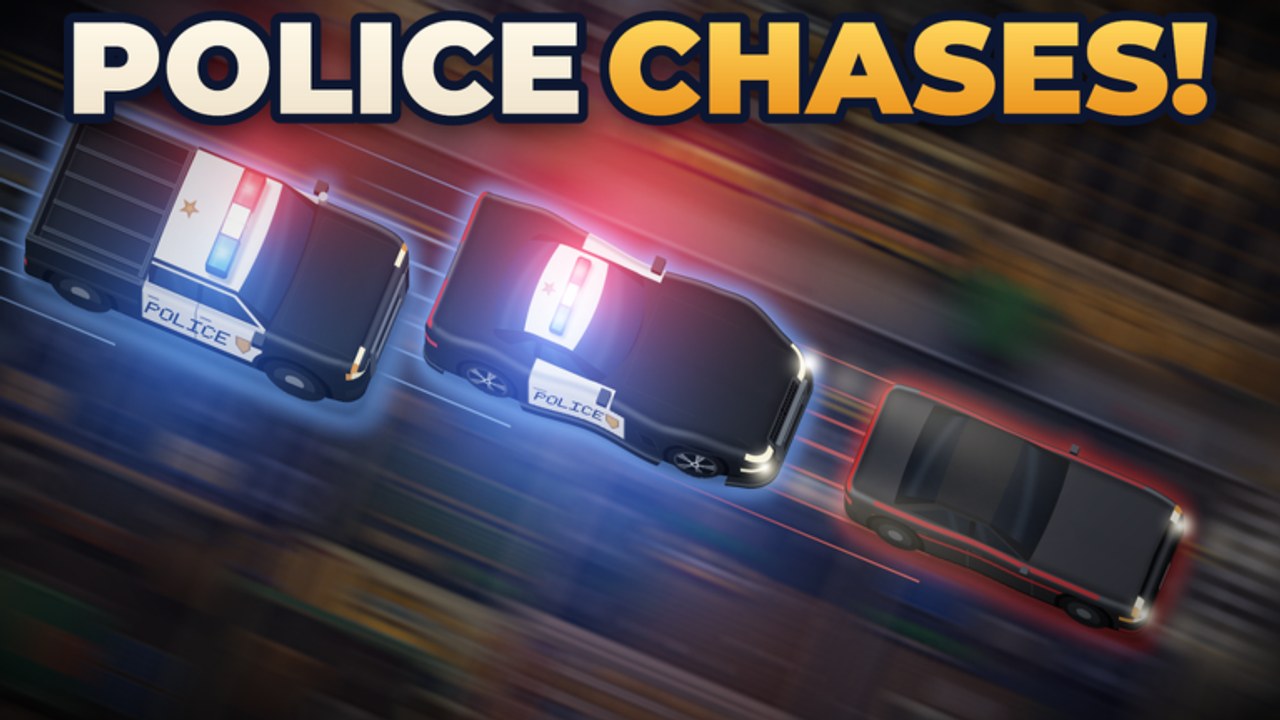
Once the desk can hire, dispatch, and motorize, open the specialty how-tos. The Badges Guide covers all twelve Roblox badges—from First Collar and Heart of the City through Headquarters tier 6, SWAT, detective cases, Captain rank, bank heists, Most Wanted, and K-9 tracking. Missions and Divisions explains unlock pacing, Case Closed, Breach and Clear, and growing an officer to Captain without starving routine calls. Chases and Heists focuses on Hot Pursuit, Nowhere to Run, bank heist stops, Most Wanted villains, Good Dog K-9 tracks, and matching fleet classes to each spike.
Use those three pages together with the station checklist when you want a session that advances both cashflow and long-term badge goals.
How these guides are written
Every page on this hub is built from the official feature list and observable Roblox gameplay patterns for simulation and tycoon titles: expand the station, staff it, motorize it, answer calls, unlock divisions, complete missions, then reinvest. Exact dollar costs, hidden multipliers, and patch-specific numbers change often on Roblox, so these guides prefer qualitative advice—priority order, tradeoffs, and failure modes—over invented stats. When the live game shows a new cost or unlock, update the relevant JSON source and re-run sync; do not treat any single number in chat or a random video as permanent wiki canon.
Cross-links use trailing-slash paths and readable anchors so you stay inside the same language version of the site. From any guide you can reach Players for roster-style pages, Updates for patch notes when they land, and Scripts if you are researching automation topics with the usual account-safety caution.
Suggested reading order
- Getting Started — join, codes, first officers, first calls, early tier goals.
- Station Tiers — six HQ tiers and what expansion actually unlocks.
- Dispatch Calls — call types, priority, and pairing people with vehicles.
- Hire and Train Officers — skills, roles, and training loops.
- Vehicles and Fleet — class roles and upgrade timing.
- How to Earn Money — stitch the loops together for stable cashflow.
- Badges Guide — all twelve badge goals and strategies.
- Missions and Divisions — unlocks, SWAT, detective, Captain path.
- Chases and Heists — pursuits, heists, Most Wanted, K-9.
Veterans who already understand the first hour can skip straight to tiers, fleet, money, or the badge and chase pages. New players should resist buying the biggest vehicle on the lot before they can staff and dispatch consistently; empty seats and unanswered calls waste more progression than a modest starter cruiser ever will.
Multiplayer tips that belong in every guide
Because servers hold up to twelve players, coordination matters. Agree who owns dispatch focus, who shops upgrades, and who trains officers so the station does not stall while everyone races the same button. Share call priority verbally: accidents and softer incidents can wait when a robbery or dangerous emergency is live. Keep the HQ tidy in the sense that upgrades should match current call volume—extra garage bays help only if you have drivers and trained officers ready to roll.
Bookmark this Guides Hub, claim fresh codes from the Codes page when drops appear, and check Updates after major patches so tier and fleet advice stay aligned with the live build. The rest of the wiki exists to shorten the learning curve; these guides exist to make every session feel like deliberate station management instead of random spending.
Related hubs
- Tier List Hub — community rankings for vehicles and officers.
- Codes — active promo redemptions when available.
- Players — roster and unit-oriented pages.
- Updates — changelog-style notes for the Roblox place.
Use the child pages below as your checklist. If a mechanic is unclear after reading, prefer another play session with a focused goal (one tier upgrade, one training cycle, or one fleet purchase) over grinding without a plan. Clear goals turn Run a Police Station into a satisfying tycoon loop instead of a busywork sim.
Frequently Asked Questions
Quick answers for chiefs building a stronger precinct.
Which guide should I read first in Run a Police Station?
Start with Getting Started for the day-one loop, then Station Tiers so you know what each HQ expansion unlocks before heavy spending.
Do these guides list exact in-game prices?
No. Costs change with updates, so we give priority order and tradeoffs instead of invented numbers. Check the live Roblox UI for current prices.
Where do I find vehicle and officer rankings?
Open the Tier List Hub, then the Vehicles and Officers sub-pages. Those lists are community-oriented for a young game, not official rankings.
How often should I revisit this hub?
After each major update or whenever your income stalls. Re-read Dispatch Calls and Earn Money when call volume outpaces your fleet or staff.
Where are badges, missions, and chase guides?
Open the Badges Guide for all twelve Roblox badges, Missions and Divisions for SWAT, detective, and Captain paths, and Chases and Heists for pursuits, bank heists, Most Wanted, and K-9.